Digital Checklists & Daily Operations
Replace clipboards and broken pens with mobile-first digital checklists
No more lost checklists in the bin. No more illegible handwriting. No more “I forgot to do it” excuses. Digital checklists give you complete accountability with timestamped records, photo evidence and peace of mind.
Your staff complete daily tasks on tablets or phones - even in cool rooms with waterproof cases. Our Gateways provide wifi, ensuring your entire shop has connectivity. Every checkbox, every photo timestamped and tracked. Inspectors see a perfect audit trail.
From pre-start cleaning to critical controls monitoring to incoming goods inspection, every compliance task is digitized with zero manual data entry.
Digital Checklist Features
Mobile-First Design
Photo Evidence Attachments
QR Code Scanning
10+ Pre-Configured Templates
Challenges
Lost or damaged checklists (water, grease, thrown out accidentally) - Missing compliance records when inspector asks
Staff claiming "I forgot" with no accountability mechanism - No way to prove non-compliance
Illegible handwriting that inspectors can't read or reject - Failed audits due to poor documentation
No proof checklist was actually completed at stated time - Suspicion of fabricated records
Printing/filing costs 30 min/day plus paper/ink expenses - Wasted time and money on administration
Missing checklists during staff absences or busy periods - Compliance gaps that regulators will find
Solutions
All stored digitally in cloud - Perfect record retention for years
Timestamped with user identity - Tamper-proof proof of who did what when
Typed entries and photo evidence - Inspectors can actually read your records
Can't be backdated or altered - Complete confidence in data integrity
Tablets display checklists on demand - Save hours and eliminate paper costs
Alerts if checklists skipped - Real-time visibility into compliance status
Real-World Use Cases
Morning Pre-Start Cleaning
CCP Monitoring with Photo Proof
Incoming Goods Verification Offline
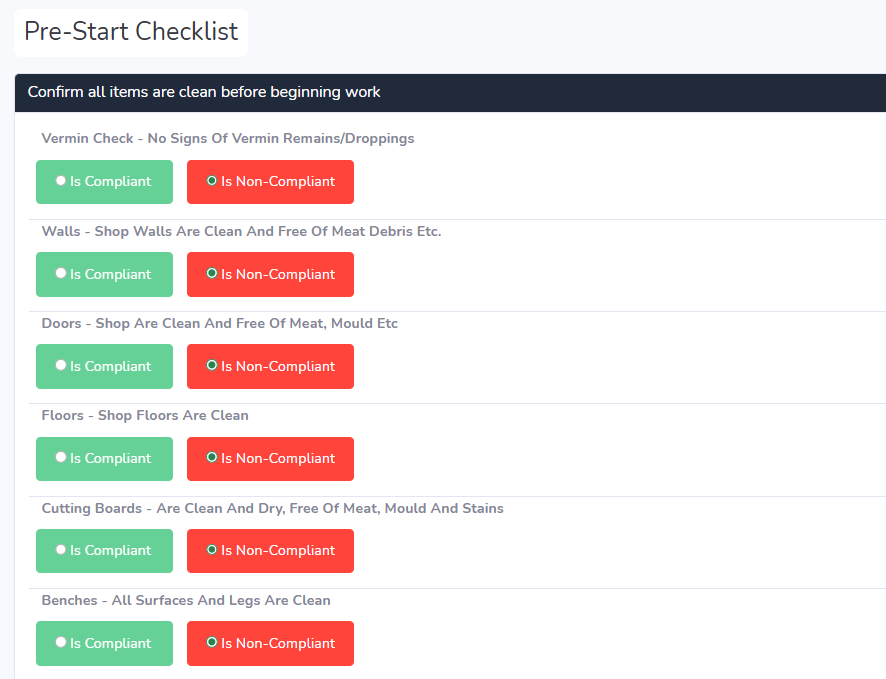
Pre-Configured Checklist Templates
We include ready-to-use templates for every common meat processing task:
Daily Operations
- Pre-start cleaning (floors, drains, equipment, handwash stations, pest control checks)
- CCP monitoring (temperature checks, cooking logs, pH testing, time-temperature combos)
Production & Processing
- Cooking logs (batch code, species, product type, target temp/time, actual results)
- Production logs (species, quantity, packaging date, use-by calculation, label verification)
- Rework tracking (returned product reprocessing documentation)
Inspections & Verification
- Incoming goods (supplier, delivery temp, packaging condition, cert verification, photo docket)
- Equipment maintenance (calibration schedules for scales, probes, slicers, grinders)
- Vehicle hygiene (meat transport vehicle cleanliness assessment)
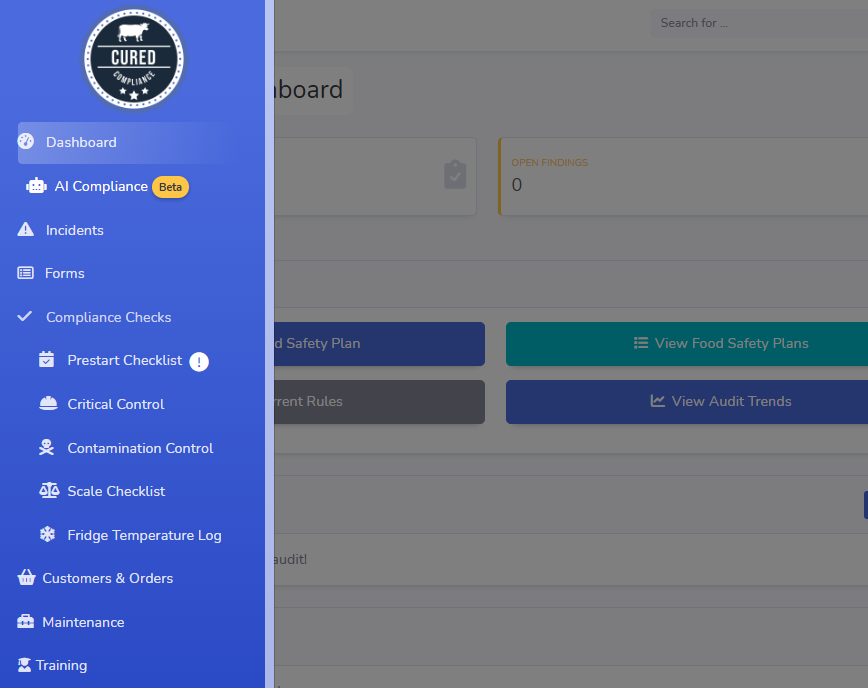
Mobile Capabilities
Device Compatibility
Phones: iPhone (iOS 14+), Android phones (8.0+)
Browsers: Chrome, Safari, Firefox, Edge (responsive web app)
Photo Compression: Automatic resize to 1200px width for fast upload
Battery Optimization: Low-power mode for all-day use
Data Capture & Validation
Autocomplete: Supplier names, staff names, product types pre-populated
Real-time Validation: Required fields enforced before submission
Barcode Scanning: QR codes, UPC, Code 128 via device camera
Security & Audit Trail
Timestamp Integrity: Server-side timestamp
Edit History: tracks every change with who/when/what
Photo: Get photo evidence to reinforce your checklists
Immutable Records: Once submitted, checklists can’t be edited (only annotated)
Integration with Compliance System
Digital checklists feed directly into AI compliance audits:
Daily Data Collection
Completion Tracking
Monthly AI Analysis
Inspector Evidence
Training takes 30 minutes. We walk your team through each checklist template, show them how to add photos and leverage the workflows, They’re confident using tablets by lunch.